
Best Broadband Providers Houston: Fiber & 5G Options
You sign a lease in Houston, get the desks in place, open the laptops, and then hit the problem that catches a lot of teams late. The address has internet service, but not the kind that supports back-to-back Zoom calls, cloud backups, VPN traffic, and card processing at the same time.
That problem shows up all over the city. A remote worker in one apartment building may have fiber with strong upload speeds, while a business a few blocks away is choosing between cable and fixed wireless with very different performance under load. For professional use, the headline download number matters less than people expect. Upload speed, latency, uptime, contract terms, and address-level availability usually decide whether a connection feels dependable during the workday.
Houston has good broadband options overall, but the market is uneven by neighborhood, building type, and provider footprint. Anyone comparing offices, homes, or service areas should check internet availability as closely as they check commute time or parking. That is especially true for teams working across a wide local footprint, such as companies managing jobs throughout Houston-area service zones. Pairing that research with Murphy's guide to Houston housing can help you avoid moving into a place that looks right until the internet install date arrives.
The providers below make the strongest shortlist for Houston remote workers, small businesses, and power users who care about symmetric speeds, low latency, and fewer workday interruptions.
1. AT&T Fiber
A Houston CPA firm closing books from home, a two-person design shop sending large files to clients, and a consultant living on Zoom all run into the same issue fast. Download speed gets advertised. Upload speed and latency decide whether the workday stays smooth.
AT&T Fiber is usually the first provider I check for those cases because it solves the part of broadband that cable often leaves weak. Symmetric speeds matter when your team is pushing files to cloud storage, syncing project folders, hosting video meetings, using a VPN, and backing up devices during business hours.
Why it works for professional use
The main advantage is simple. Upload performance is strong enough for real work, not just streaming and web browsing. That changes the experience for architects moving drawings, agencies posting media assets, bookkeepers working in hosted platforms, and remote employees who spend half the day in meetings.
Low latency helps too. Calls tend to hold up better, remote desktops feel more responsive, and cloud apps are less likely to drag when several people are active at once. For a small office or serious home setup, that combination usually matters more than chasing the biggest advertised download number.
AT&T Fiber also makes sense for users who expect their connection to stay useful as their workload grows. A one-person home office may only need stable video calls and fast uploads today. Six months later, the same line may be carrying security cameras, VoIP, daily backups, and shared storage traffic.
Practical rule: If your business sends large files as often as it receives them, fiber is usually worth paying for.
Where the trade-offs show up
The catch is availability at the exact address. AT&T has a large Houston presence, but fiber is still uneven by building, block, and property type. I have seen one side of a commercial corridor qualify while the next building over does not. Check the suite number before you sign a lease, schedule a move, or promise staff that fiber is available.
That matters even more for companies planning relocations across broader Houston-area service zones, where internet options can change sharply between neighborhoods and industrial pockets.
Cost is the other trade-off. AT&T Fiber is often a good value for the performance, but it is not always the cheapest line on the shortlist. For remote workers and small businesses that depend on cloud tools every day, the extra monthly cost can be justified quickly. For lighter use, it may be more bandwidth than you need. Read the final bill carefully, including equipment, install terms, and any price changes after the promo period.
Direct provider site: AT&T Fiber internet plans
2. Xfinity
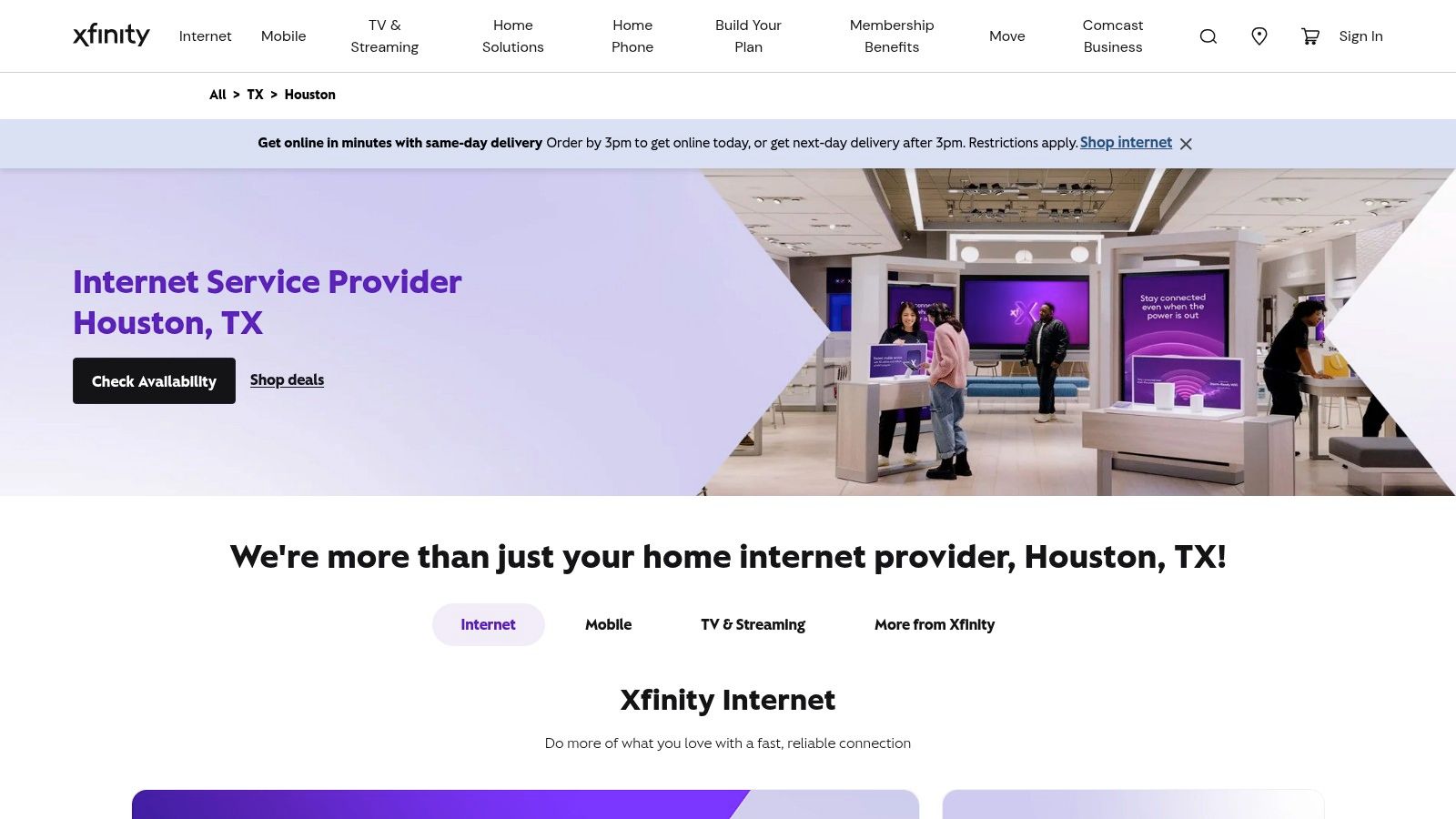
Your lease starts Monday, your staff needs Wi-Fi on Tuesday, and fiber at that address is still uncertain. In Houston, that is where Xfinity often enters the conversation. It is one of the easiest providers to get installed quickly, and its broad footprint makes it a realistic option for apartments, retail spaces, and small offices that need service now rather than after a long availability check.
Where Xfinity makes sense
Xfinity works best for buyers who value reach, activation speed, and acceptable performance at a lower entry price. If your team mainly runs cloud apps, video meetings, payment systems, email, and normal downloads, cable can handle that workload well. For many Houston addresses, especially multi-tenant buildings, Xfinity is one of the few wired options that is likely to be available without a long construction process.
The practical appeal is straightforward. Download speeds are usually more than enough for routine business traffic, and the starting price often looks better than fiber on paper. That matters for small offices watching monthly overhead or remote workers who need a stable line without paying for top-tier symmetric service they will not use every day.
Where the trade-offs show up
For professional use, the limit is usually upload performance, not download capacity. A line that feels fast during streaming, browsing, and standard Zoom calls can slow down once it is handling cloud backups, large file sends, security camera uploads, or several people pushing data upstream at the same time. That is the main reason I treat Xfinity as a practical access play, not the first choice for media teams, architecture firms, or anyone moving large files daily.
Latency and consistency also matter more to remote workers than headline download speed. Cable can perform well, but it does not offer the same symmetric profile that makes fiber easier to trust for live collaboration, offsite sync, and heavy two-way traffic. If your workday depends on fast uploads as much as fast downloads, Xfinity can start to feel tight even when the advertised speed tier looks generous.
Price is where Xfinity stays competitive. In many Houston comparisons, it comes in cheaper upfront than fiber, which is why it regularly makes the shortlist for budget-conscious locations. Read the full pricing terms before you commit. Equipment fees, promo roll-offs, and contract details can change the actual monthly cost after the first billing cycle.
I usually frame Xfinity this way. It is the dependable coverage choice when the ideal fiber option is unavailable, delayed, or too expensive for the location. That same coverage-first logic shows up in other regional service decisions, including Atlanta-area service coverage planning where broad availability can matter more than the best-case spec sheet.
Direct provider site: Xfinity Houston internet service
3. Astound Broadband powered by enTouch
A Houston remote worker usually runs into Astound the same way. The building is already wired, the monthly quote looks better than the incumbent options, and the address checker says service is available right now. That makes Astound worth real consideration, especially for apartments, condos, and smaller office suites where install options are often limited by the property.
Astound works best as an address-specific value play. I would not rank it as the default answer across Houston, but in former enTouch service pockets it can be a practical fit for people who want solid speed without paying top-tier fiber pricing.
Professional use requires looking beyond just download speed. Check what type of connection is available at your exact address, what upload speeds are offered on the plan, and whether the building already has a clean installation history. Those details matter more than a promo banner if you spend your day on Zoom, push files to cloud storage, sync large project folders, or support a small team from one location.
Astound is usually strongest in three situations:
- Single-site home offices: Good for remote workers and consultants who need a reasonably priced wired connection and have confirmed acceptable upload performance.
- Small businesses in legacy enTouch areas: Useful when the location already has service and the alternative is a pricier incumbent plan.
- Price-sensitive buyers who still want fixed broadband: Better suited to work use than many wireless home internet options, assuming the address gets a strong wired offering.
The trade-off is consistency across locations. A business with two or three Houston offices may find Astound attractive at one address and unavailable at the next. That makes procurement harder if you want one provider, one billing structure, and one support path across the company.
I also advise clients to verify whether they are getting true fiber service or a plan with more limited upload capacity. For entertainment-heavy households, that difference may not matter much. For designers, engineers, video editors, and anyone backing up work all day, it matters a lot.
That neighborhood-by-neighborhood reality is common in local service planning. You see the same coverage pattern in South Fulton service area coverage by neighborhood, where a strong option in one cluster does not automatically translate into broad regional reach.
Direct provider site: Astound Houston offers
4. Ezee Fiber
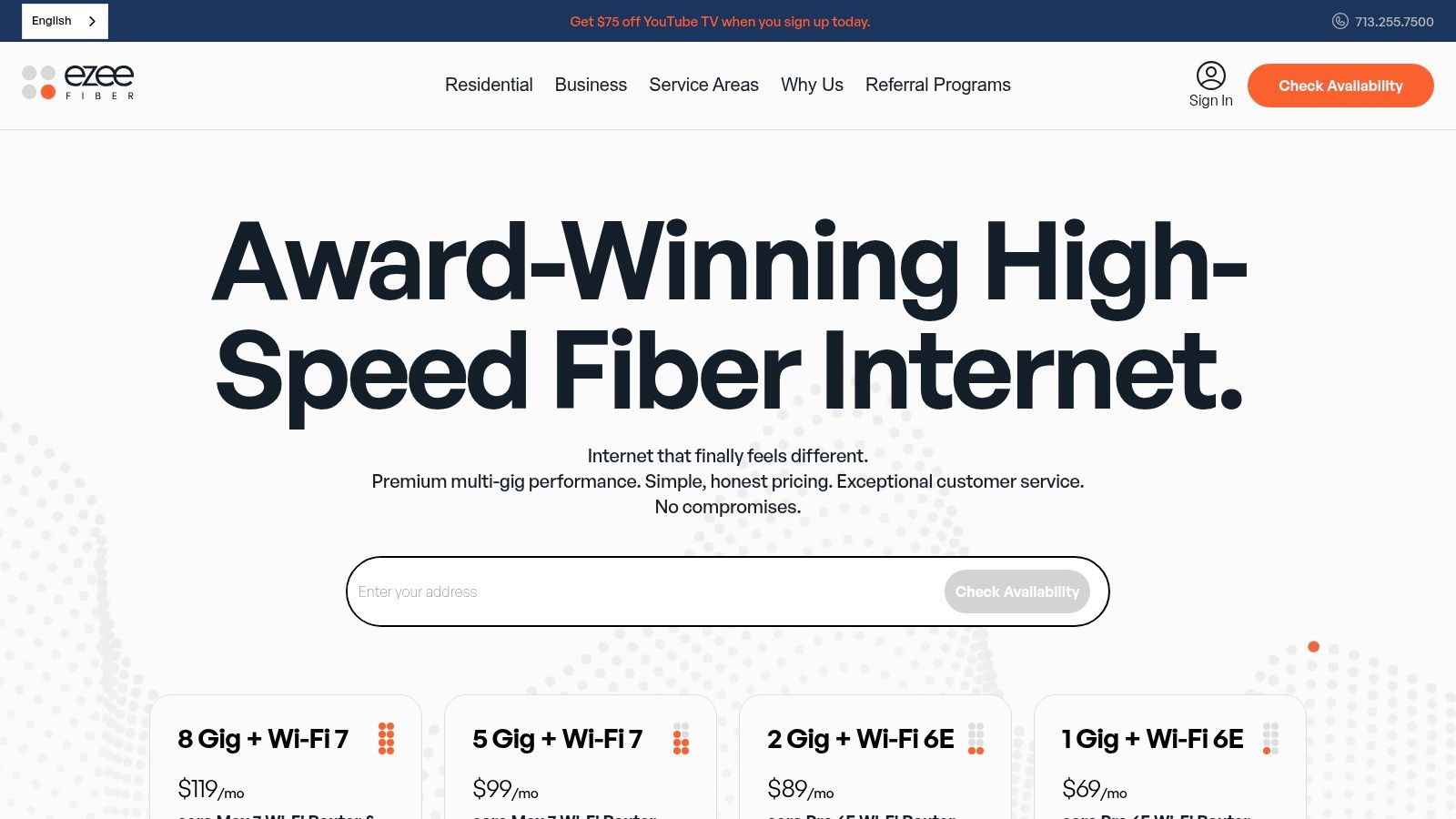
A Houston remote worker on back-to-back Zoom calls, syncing large files to the cloud, and pushing nightly backups has different internet needs than a household that mainly streams TV. Ezee Fiber stands out because it targets that first use case. The appeal is straightforward. Symmetrical speeds, simple plan design, and a service profile that makes sense for work that depends on fast uploads and stable real-time performance.
For power users, that matters. Download speed gets the headline, but upload capacity, latency, and consistency decide whether video calls stay clean, VPN sessions stay responsive, and large client files move without clogging the line.
Why Ezee Fiber stands out
Ezee Fiber is best treated as an address-by-address option, not a citywide default. If your building or block is in its footprint, it can be one of the better fits for home offices, creative professionals, and small teams that need fiber behavior instead of cable compromises.
I usually point business owners to Ezee Fiber when they care about practical work metrics more than bundles or brand familiarity. A designer sending large assets, an accountant working inside remote desktops, or a two-person firm running cloud backups will usually benefit more from symmetrical service than from a plan that advertises higher download speed but limits uploads.
That distinction gets expensive fast when internet problems cut into billable time.
Where it falls short
Coverage is the main limitation. You can like the pricing, the speed tiers, and the service model, then find out the next building over gets it and your address does not. Houston has plenty of that block-by-block variation, especially with newer fiber construction.
The other trade-off is product depth. Smaller fiber providers often keep the offer focused on internet service rather than packaging voice, wireless, and other business services into one account. Some companies prefer that simplicity. Others want one provider for everything, even if the internet performance is less attractive.
That same address-first screening applies to other local service decisions too. The pattern is easy to see in Sandy Springs service-area coverage for local property support. A strong provider only helps if it reaches the property.
Direct provider site: Ezee Fiber internet service
5. Tachus Fiber
Tachus is the provider I'd flag for suburban Houston users before many of the bigger-name national alternatives. It has the profile that remote workers and small firms usually like. Symmetrical speeds, no-contract positioning, and more targeted local buildouts in communities that larger providers don't always serve as well.
It's particularly relevant if you're in the broader Houston-area suburbs rather than the urban core.
Where Tachus is strongest
The growth story matters here. Reporting on Houston-area 10G activity noted Tachus 10 Gbps deployments in Humble, Huffman, and Huntsville beginning in April 2023, with Lake Houston and Kingwood passing 24,000 homes by 2026 according to Government Technology coverage of Houston-area 10G internet deployments. That doesn't mean every nearby address gets top-tier service, but it does show Tachus is part of the suburban expansion story rather than just marketing around it.
For practical use, Tachus fits households and smaller businesses that want fiber behavior without the usual promo churn. If you're in Spring, Tomball, Katy, Sugar Land, Cypress, Pearland, or similar outer-market areas, it's exactly the kind of provider worth checking before defaulting to cable.
The real trade-off
Tachus is not a blanket Houston answer. It's a targeted answer. That can be a strength because focused providers sometimes deliver a better customer experience inside their footprint, but it can also make life harder for companies trying to keep one provider across many sites.
I'd choose Tachus when these conditions line up:
- You're in a served suburb: Its value increases fast when the network is already built in your area.
- You care about upload performance: Fiber remains the better fit for backup, conferencing, and shared cloud workflows.
- You want pricing stability: Smaller providers often appeal to buyers tired of promo-reset cycles.
The planning mindset is familiar in operations work. Regional providers can be excellent, but they only help if your properties overlap with their map, much like the route-specific logic behind Fulton's Roswell service area coverage.
Direct provider site: Tachus residential fiber service
6. Verizon 5G Home Internet
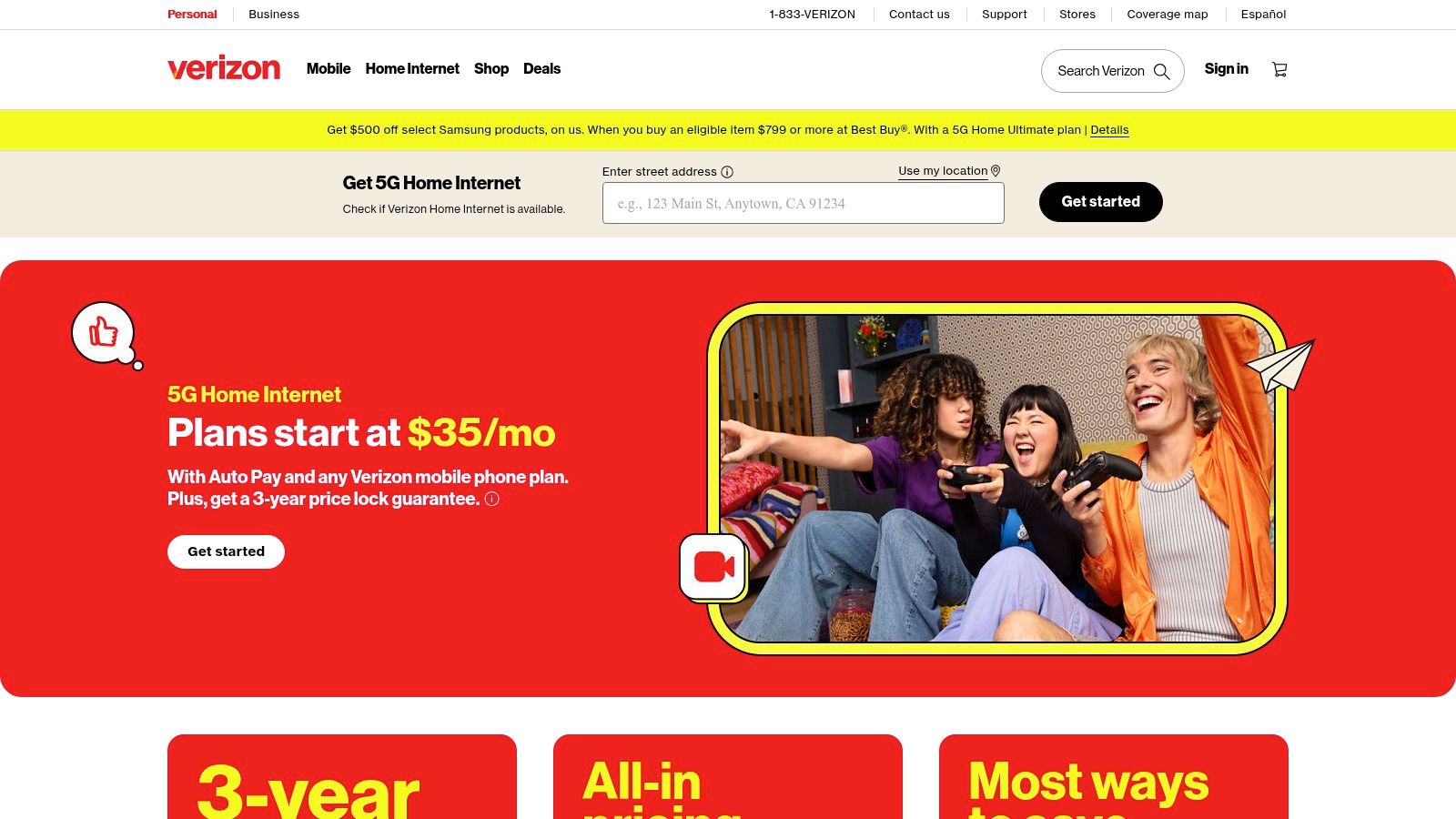
Your fiber install is still a week out, your team has client calls tomorrow, and the office cannot sit offline. That is the kind of situation where Verizon 5G Home Internet makes sense in Houston.
I look at Verizon less as a pure speed play and more as a deployment tool. It is useful when a remote worker, small office, or temporary location needs service fast and cannot wait through the usual wired-install process. In the right spot, setup is straightforward and the service is good enough to keep video meetings, cloud apps, and day-to-day operations running.
Where Verizon earns a spot
Verizon's advantage is convenience with fewer installation delays. If your address has weak wired options, if you are opening a short-term workspace, or if you want a second connection for failover, fixed wireless deserves a real look.
That matters for business continuity.
For Houston professionals, the key question is not whether Verizon can post a strong download number on a good day. The better question is whether the connection stays consistent enough for Zoom, VoIP, VPN access, file syncing, and browser-based business tools during busy hours. In many moderate-use setups, it can. For a one-person home office or a small team with standard workloads, that is often enough.
The trade-off for remote work and business use
The compromise is performance consistency. Verizon 5G Home Internet can be fast, but it does not usually match fiber for symmetric speeds, low latency, or predictable behavior under congestion. Upload performance and latency stability matter more than many buyers expect once multiple calls, backups, and cloud workflows are happening at the same time.
I would not make Verizon the first choice for video production teams, multi-user design shops, or offices that move large files all day. Those environments benefit from fiber because upload capacity and response times stay steadier.
Where Verizon fits best is practical and specific. It works well as a quick primary connection for lighter professional use, or as a backup line that keeps work moving when the main circuit fails.
Direct provider site: Verizon 5G Home Internet
7. T-Mobile 5G Home Internet
A lot of Houston professionals end up looking at T-Mobile after a familiar problem. They need internet this week, not after a wiring appointment, and they need something good enough for Zoom, cloud apps, and day-to-day work. In that situation, T-Mobile 5G Home Internet earns a place on the shortlist because setup is fast and the barrier to entry is low.
It fits renters, temporary housing, and home offices that need a practical connection without waiting on cable or fiber installation. For a consultant, solo operator, or small household with moderate work demands, that can be the right trade.
Who should seriously consider it
T-Mobile makes the most sense when speed is only part of the decision. For remote work, the primary question is whether the connection stays steady enough for video calls, browser-based systems, messaging platforms, and light file transfers during the hours you usually work.
In Houston, that answer depends heavily on your exact address, nearby tower load, and building conditions. I would treat T-Mobile as a location-sensitive service, not a uniform citywide experience. One apartment can get a very usable connection, while another a few blocks away may see more variation during peak hours.
That does not make it a weak option. It makes it a practical one for the right setup.
Where it works and where it doesn't
T-Mobile is a reasonable primary connection for lighter professional use. It also works well for people who need internet up quickly, want to avoid installation friction, or do not have strong wired choices at their address.
It is less convincing for upload-heavy work.
If your day includes large cloud backups, frequent file sharing, off-site sync, multi-user VPN sessions, or back-to-back video calls across several devices, fiber still holds the advantage. Symmetric speeds, lower latency, and better consistency matter more in those environments than a headline download number.
Here is the practical breakdown:
- Best for: Solo remote workers, renters, temporary offices, and households with moderate work and streaming use
- Works well for: Video meetings, SaaS platforms, email, web apps, and general home-office traffic
- Less ideal for: Creative teams, large uploads, always-on backups, and offices with several heavy users at once
- Strong secondary use: Backup internet for business continuity if the main wired line goes down
For Houston buyers, T-Mobile is not the premium performance pick. It is the convenience pick with enough capability for many real work setups. If fiber is unavailable, delayed, or overpriced at your address, that trade-off can make sense.
Direct provider site: T-Mobile Home Internet plans
Houston Broadband: 7-Provider Comparison
| Provider | Implementation 🔄 | Requirements ⚡ | Performance ⭐📊 | Best use cases 💡 | Key advantages 📊 |
|---|---|---|---|---|---|
| AT&T Fiber | FTTH with pro or self install; moderate setup | Fiber gateway; optional All‑Fi Pro/mesh; autopay often for promos | Symmetric up to 5 Gbps, very low latency, ⭐⭐⭐⭐⭐ | Cloud backups, video calls, low‑latency gaming, multi‑gig homes | Symmetric multi‑gig, broad footprint, no annual contract |
| Xfinity (Comcast) | DOCSIS/cable with same‑day self‑install common; easy activation | Gateway included; cable plant; pricing varies by address | High download (to gig+), lower uploads; moderate latency, ⭐⭐⭐⭐ / ⭐⭐ (upload) | Streaming households, wide‑availability installs, bundle seekers | Widest coverage, strong retail presence, competitive intro pricing |
| Astound Broadband (enTouch) | Cable/fiber‑hybrid; pro or self install where available | eero Wi‑Fi often included in promos; no long‑term contracts | Gigabit+ in many neighborhoods; uploads may not be symmetric, ⭐⭐⭐⭐ | Areas without FTTH, value gigabit plans | Aggressive pricing, price‑for‑life offers, included Wi‑Fi |
| Ezee Fiber | FTTH with free professional install; low setup friction | Wi‑Fi 6E/7 hardware included; no term contracts; US support | Symmetric 1–8 Gbps, excellent latency, ⭐⭐⭐⭐⭐ | Power users, creators, heavy upstream use, WFH | Transparent lifetime pricing, equipment included, multi‑gig uploads |
| Tachus Fiber | FTTH focused on suburbs; pro install and local support | Symmetric plans; lifetime pricing; Wi‑Fi rental extra | Symmetric 300 Mbps–5 Gbps, low latency, ⭐⭐⭐⭐⭐ | Suburban homes/businesses seeking stable pricing and performance | Lifetime pricing, local Texas support, straightforward fees |
| Verizon 5G Home Internet | Fixed‑wireless, simple self‑install; fastest to deploy | Gateway/router included; requires strong 5G signal | Variable by signal and congestion; generally good, ⭐⭐⭐ | Fast setup, renters, portable or temporary homes | All‑in pricing, price‑lock guarantees, quick activation |
| T‑Mobile 5G Home Internet | Fixed‑wireless self‑install; low complexity | Gateway included; performance tied to local cell coverage | Typical 170–498 Mbps (location dependent), ⭐⭐⭐ | Budget‑conscious households, quick installs, basic streaming/WFH | Long price protection, simple pricing, streaming/security perks |
How to Choose Your Houston Broadband Provider
Your workday starts at 8:00. By 8:15, a Zoom call is stuttering, a cloud backup is still crawling, and your phone system is dropping words. In Houston, that usually comes down to one thing: the connection type available at your exact address.
Start there. Check every provider by full street address and suite number, not just the building. I've seen one office on a lower floor qualify for fiber while another suite in the same property only had cable or fixed wireless. That one detail can change upload speed, latency, install time, and monthly cost.
For remote workers, small businesses, and anyone pushing large files, the shortlist should be based on job performance, not entertainment marketing. A plan that looks fast because it advertises high download speeds can still be a poor fit if uploads are weak or latency jumps during the day. That matters for video calls, VPN sessions, cloud apps, offsite backups, VoIP, security cameras, and shared file systems.
Use this order when comparing providers:
- Exact address availability: Eliminate anything you cannot install.
- Upload speed and latency: Symmetric fiber usually wins for professional use.
- Reliability: Ask how often service degrades at peak hours, not just whether the plan is "fast."
- Real monthly cost: Include equipment, autopay conditions, taxes, and post-promo pricing.
- Install timeline: A cheaper plan is not much help if your office waits two weeks to go live.
- Backup option: If downtime costs money, add a second connection or a 5G failover plan.
Fiber is usually the best fit when the budget supports it. It gives remote professionals and small teams the cleanest mix of low latency, stable performance, and strong uploads. Cable still works well for many Houston users, especially where fiber is unavailable or price matters more than upstream performance. Fixed wireless from Verizon or T-Mobile makes sense for fast turn-ups, temporary locations, or backup connectivity, but performance can swing with signal quality and cell congestion.
Billing deserves a harder look than many buyers give it. Intro rates expire. Equipment may be included with one provider and rented with another. "Price for life" offers can be attractive, but they only matter if the provider serves your address and delivers consistent uptime during your busiest hours.
Houston gives you plenty of logos to compare, but practical choice narrows fast by neighborhood. The right provider is the one that fits your address, your workload, and your tolerance for outages, price changes, and support delays.
If you're planning a move, office cleanout, or hardware refresh at the same time, telecom solutions for Philippine businesses shows the broader operational view many companies use when they evaluate connectivity alongside equipment and infrastructure changes.
If you're relocating an office, clearing out a warehouse, or handling an IT refresh alongside a move, Fulton Junk Removal can help simplify the physical side of the project. Through its connection to Beyond Surplus, Fulton can pair junk removal with responsible recycling for electronics, metals, and other recoverable materials, which is useful for offices, property managers, and operations teams that want cleaner compliance and better sustainability reporting while they rebuild or upgrade their workspace.
