
Top 7 Telecom Services in Houston for 2026
Monday at 8:15 a.m., your Houston office opens to a familiar problem. Video calls freeze, the CRM lags, security cameras buffer, and staff start using mobile hotspots to get through the morning. By noon, the issue is no longer "internet speed." It is missed work, frustrated customers, and an operations problem that pulls your team away from higher-value tasks.
Choosing telecom services in Houston is really a lifecycle decision. The right provider has to fit how the business runs today, how much downtime the site can tolerate during install, what level of support you will need after cutover, and what happens to the old hardware once the new service is live. Routers, switches, desk phones, cabling, access points, and retired network gear often pile up in closets after an upgrade. A cleaner project plan includes decommissioning, recycling, and pickup from the start. For teams replacing equipment at the same time as connectivity, a local option such as IT equipment pickup and disposal in Houston can keep the cutover from turning into a storage problem.
Houston gives businesses a wide range of choices, but that does not make the decision simple. Fiber, cable, fixed wireless, and dedicated enterprise circuits each solve a different problem. A medical office that needs stable VoIP and predictable uploads should buy differently than a warehouse running scanners and cameras. A property manager trying to improve tenant satisfaction has different priorities than a small firm that needs service installed fast and at a reasonable monthly cost.
This guide compares seven Houston options with that full project view in mind. The goal is not just to list providers. It is to help you match service type to business risk, installation reality, and long-term support, while treating retired telecom and IT equipment as part of the upgrade plan instead of an afterthought. If you want broader context before narrowing your shortlist, you can also compare top business internet options.
1. AT&T Fiber
A Houston office signs a new internet contract, schedules the cutover, and assumes the hard part is over. Then the install date arrives and the provider finds a building access issue, the suite is quoted for a different service type than expected, or the old network gear is still sitting in the telecom closet with nowhere to go. AT&T Fiber is a solid option, but it pays to treat it as an operations project, not just a bandwidth purchase.
AT&T is often one of the first providers to check if you want business fiber from a mainstream carrier with broad reach in Houston. The main advantage is straightforward. Many business managers already know the brand, the support model is familiar, and true fiber can be a strong fit for offices that rely on cloud software, video calls, hosted phones, and regular file transfers.
The first question is service type at your exact address. Sales language can blur the difference between true fiber to the premises and a service package that sounds similar on paper but performs differently in practice. I always advise clients to verify the actual handoff and install method before comparing monthly rates.
Where AT&T Fiber fits best
AT&T Fiber usually fits professional offices, medical practices, multi-user admin teams, and mixed-use properties that need stable day-to-day performance without jumping straight to a more specialized enterprise carrier. Symmetrical speeds matter here because business traffic is no longer mostly downloads. Backups, cloud sync, security cameras, and VoIP all depend on upload performance staying consistent during the workday.
AT&T can also make sense for teams that prefer fewer vendors for connectivity and communications. If internet, voice, and related services sit under one account, billing and support can be simpler to manage. That is not automatically the cheapest route, but it can reduce internal friction for smaller teams without dedicated telecom staff.
Practical rule: If your staff spends the day in Microsoft 365, Google Workspace, cloud storage, and VoIP, symmetrical fiber is usually worth paying for.
Trade-offs to watch
The trade-off is not speed. It is install reality.
In Houston, building conditions drive a lot of the result. A newer office suite with clean riser access is a very different project from an older multi-tenant property where property management controls every wiring decision. I have seen two nearby suites get very different timelines because one had a ready path to the telecom room and the other did not.
A few checks help avoid a bad surprise:
- Confirm the access type: Ask for written confirmation that the quote is for fiber to your suite.
- Review building logistics: Check riser access, demarc location, landlord approvals, and any construction work the install may trigger.
- Test before disconnecting anything: Keep the old carrier live until phones, VPN, printers, point-of-sale systems, cameras, and remote access all pass real-world testing.
- Include hardware removal in the plan: A carrier upgrade often leaves old gateways, handsets, patching equipment, and dead accessories behind.
That last point gets missed a lot. Businesses focus on getting the new circuit live and forget that the upgrade also creates physical cleanup work. If the project includes replacing network hardware at the same time, schedule local equipment pickup and disposal support before cutover week so the old gear does not end up boxed in a storage room for the next two years.
AT&T belongs on the shortlist for businesses that want familiar buying process, dependable fiber performance, and a provider that can work for many standard office environments. Just make the provider prove what your exact suite can get, what the install requires, and what needs to be retired once the new service is in place.
Direct provider site: AT&T Fiber
2. Xfinity
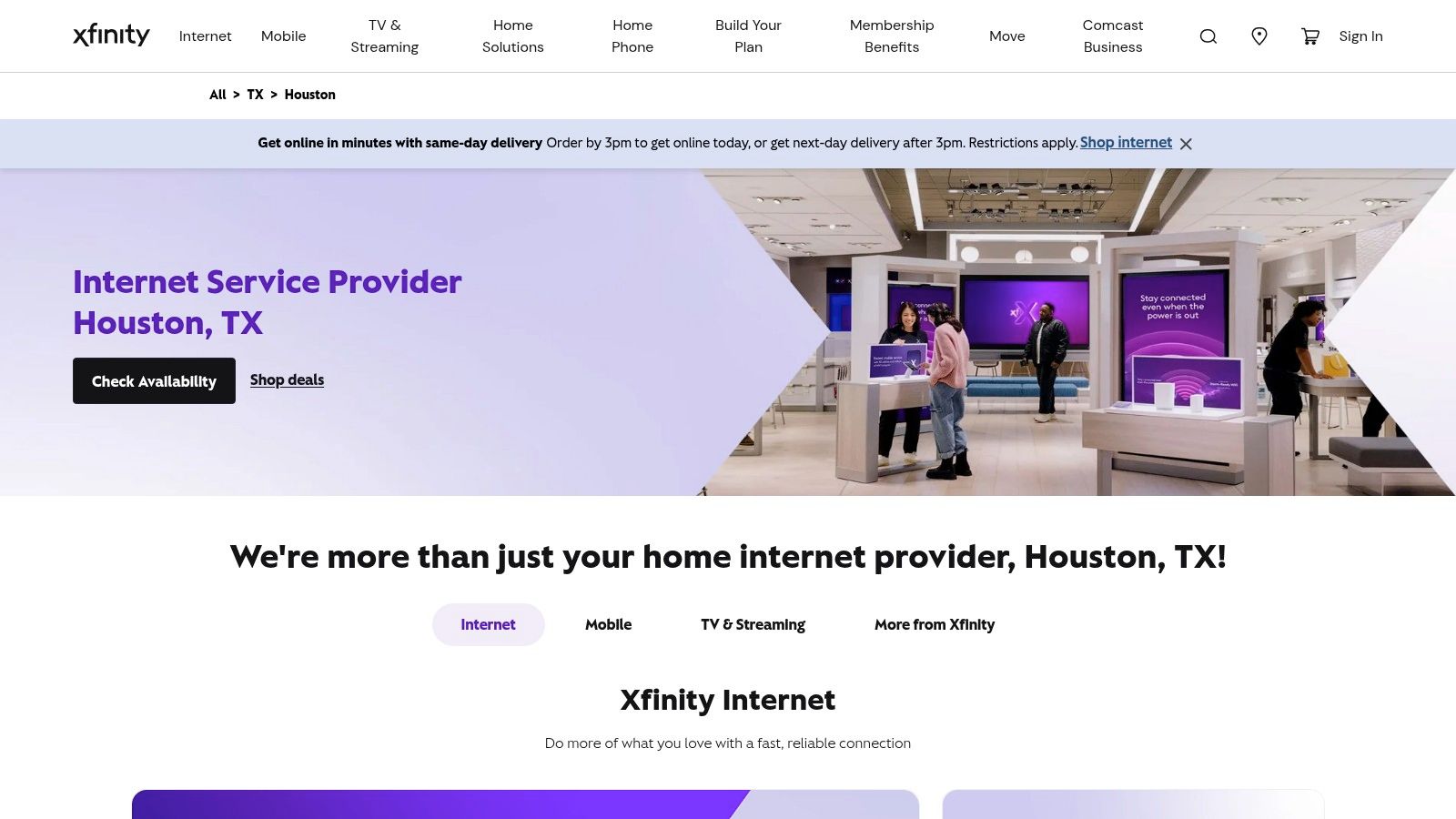
If your priority is getting service installed fast in a standard office, retail unit, or small commercial space, Xfinity is often one of the practical calls. Cable internet still earns its keep in Houston because it’s widely reachable and easier to activate in buildings that aren’t ideal candidates for new fiber construction.
I don’t put Xfinity in the same bucket as dedicated enterprise fiber. I do put it in the “good enough for many businesses if you understand the trade-offs” bucket. For a lot of smaller teams, that’s the key buying decision.
What Xfinity does well
Xfinity makes sense when speed-to-install matters more than pristine symmetry. If you’re opening a branch office, turning over a suite, or bringing a temporary operation online, cable can be the path of least resistance.
It also fits businesses that want easy bundling with other Comcast services. That can be helpful for waiting rooms, common areas, or businesses that still want internet plus TV in one account.
Cable is usually a business convenience decision, not a purity decision. If it gets the site online quickly and your applications are tolerant of asymmetrical performance, it can be the right answer.
Where it falls short
The limitation is the same one cable has always had. Upload-heavy workflows expose the gap between cable and fiber fast. If your team regularly pushes large files, uses constant off-site backups, or relies on many simultaneous video calls, the last-mile architecture can become the bottleneck.
Xfinity is usually fine for:
- General office productivity: Email, browsing, web apps, CRM, and moderate conferencing.
- Retail and front-desk environments: POS systems, guest Wi-Fi, streaming displays, and standard admin traffic.
- Shorter setup windows: Locations where waiting on a new fiber build isn’t realistic.
It’s less ideal for:
- Heavy upstream use: Creative teams, surveillance-heavy sites, and cloud backup-heavy environments.
- Strict uptime expectations: If downtime carries serious financial or operational risk, ask whether a business-class SLA alternative makes more sense.
- Single-connection dependency: Don’t let a busy office run on one cable line if the site can’t tolerate an outage.
For property managers and office admins, Xfinity can be a practical stopgap during tenant improvements or move-ins. Once the space is stable, that’s when it makes sense to reassess whether the site should stay on cable or move to fiber. If the transition includes removing old telecom furniture, abandoned handsets, or miscellaneous setup debris, Fulton Junk Removal’s company background gives a good sense of the kind of commercial cleanout support that can keep a move from dragging.
Direct provider site: Xfinity Houston service
3. Astound Broadband

A Houston business moves into a new suite, gets a few big-name quotes, and finds the pricing or contract terms harder to justify than expected. That is where Astound often enters the conversation. It is not the default choice across the metro, but at the right address it can be a cost-conscious option that deserves a real evaluation.
The catch is address-level consistency. Astound can be attractive in one building and underwhelming in the next, so this is not a provider to judge by brand alone. I treat it as a site-specific decision.
Where Astound can fit
Astound usually makes the most sense for smaller offices, professional services firms, home-office users with business needs, and light commercial sites that want to control monthly spend without dropping to a weak residential-grade setup. It can also help during lease negotiations or renewals because another credible quote gives buyers more room to push incumbents on price, install fees, or term length.
Before signing, verify three things:
- What service is being delivered: Ask whether the connection at your address is cable-based, fiber-based, or riding on older building infrastructure.
- How the building is wired: In multi-tenant properties, poor inside cabling and cluttered telecom closets create problems that get blamed on the carrier.
- How support is handled after install: Low monthly pricing loses value fast if repair dispatches are slow or account support is hard to reach.
That middle point gets overlooked.
In Houston offices, the provider quote is only part of the upgrade. The condition of patch panels, abandoned modems, legacy handsets, and old rack gear affects installation quality and troubleshooting speed. If you are cleaning up a suite before a cutover or move, commercial junk removal across Houston service areas can help clear out unused network equipment and furniture so the new service starts in a cleaner, safer environment: commercial junk removal across Houston service areas.
The trade-off to understand
Astound is a practical choice for buyers who will verify the details themselves. It is less comfortable for teams that need uniform expectations across multiple sites or want the broadest possible field support footprint. Availability, install readiness, and support experience can vary more than they do with the largest carriers.
That matters most in older buildings. A serviceable address can still run into landlord approvals, access issues, or messy inside wiring that slows down activation. Ask property management which tenants already use the service. Ask how recent installs went. Ask whether the demarc and closet are in working order.
One more planning point. If Astound is part of a temporary setup while you compare fixed wireless options for backup connectivity, teams that also test T-Mobile may need ways to improve T-Mobile home signal in weak indoor environments.
Astound is worth quoting when your priority is value and your team can do proper site validation. If the business cannot tolerate surprises, spend more time on pre-install checks than on the advertised speed tier.
Direct provider site: Astound Houston internet
4. T-Mobile 5G Home Internet
A Houston team signs a lease, moves in fast, and finds out the wired install will take weeks because the building access process is still stuck with property management. T-Mobile 5G Home Internet fits that kind of gap well. It gets a site online quickly, keeps basic operations running, and gives IT time to finish a better long-term design.
That does not make it the right answer for every office. Fixed wireless is best for temporary locations, small branch sites, executive suites, field operations, and home-based staff who need business connectivity without a full circuit install. It also earns a place as a backup connection for offices that need internet access during a carrier outage but do not want to wait for a second wired line.
The trade-off is consistency. Performance depends heavily on the exact address, the part of the building you occupy, indoor placement of the gateway, and local tower demand during business hours. I would not approve it as the only connection for a site that depends on stable VPN sessions, cloud voice quality, camera uploads, or large file transfers until those workloads have been tested on-site.
A useful evaluation process is simple:
- Test during the hours your staff works: Mid-morning and mid-afternoon checks show more than an after-hours speed test.
- Run real business traffic: Use VPN, VoIP, remote desktop, Microsoft 365, cloud backups, and any line-of-business apps.
- Check placement options inside the suite: Window access, wall materials, and floor location can change results.
- Decide whether the line is temporary, primary, or failover: The acceptable risk is different in each case.
If reception is marginal, this guide on how to improve T-Mobile home signal can help with gateway placement and signal troubleshooting before you rule the service out.
T-Mobile is also useful during office transitions. If you are replacing older routers, phones, racks, or broken networking gear as part of the upgrade, treat that cleanup as part of the telecom project instead of an afterthought. Responsible disposal reduces clutter in the telecom closet, lowers the chance of cabling mistakes, and keeps obsolete equipment out of general trash. For that step, you can schedule old network equipment pickup in Houston while the new service is being set up.
Direct provider site: T-Mobile 5G Home Internet
5. Verizon 5G Home Internet

Verizon’s 5G internet offer sits in a similar category to T-Mobile, but it tends to appeal to buyers who want predictable packaging and fast startup without waiting on a wired install. For renters, temporary offices, and locations in transition, that’s attractive.
The main thing to remember is that fixed wireless is still a location-specific product. Don’t buy it based on city-level reputation. Buy it based on what your exact address and interior placement can support.
Where Verizon earns consideration
Verizon is a reasonable fit for lighter business use, executive suites, model offices, leasing centers, and temporary workspaces. It’s also useful for disaster recovery planning. If your primary wired carrier fails, a second path over wireless can keep phones and cloud apps alive long enough to avoid a full work stoppage.
National carrier scale matters here too. In the U.S. telecom industry, Verizon generated $134.79 billion in total operating revenue in 2023, which reflects the level of infrastructure investment backing its broader service portfolio.
What businesses often overlook
The common mistake is assuming wireless convenience means wireless consistency. It doesn’t. For normal office traffic, Verizon may be perfectly fine. For large backups, creative production, high camera counts, or always-on remote access, the limits show up much faster.
I’d frame Verizon 5G this way:
- Strong for quick activation: Good for spaces that need internet before a contractor can touch the wiring.
- Useful as secondary connectivity: Good for redundancy, especially in offices with a wired primary line.
- Less suited to heavy production environments: Not the first choice for businesses that need high sustained upstream performance.
Keep a wireless line if it saves your team during an outage. Don’t pretend it’s the same as dedicated fiber if your operation depends on guaranteed performance.
For site launches, office closures, or technology refreshes, there’s usually a physical logistics issue alongside the service issue. Old deskside phones, dead UPS units, obsolete routers, and unused cabling don’t disappear on their own. If the project includes clearing that material, contacting Fulton Junk Removal early can help avoid a messy handoff between IT, facilities, and the move team.
Direct provider site: Verizon 5G Home Internet
6. LOGIX Fiber Networks
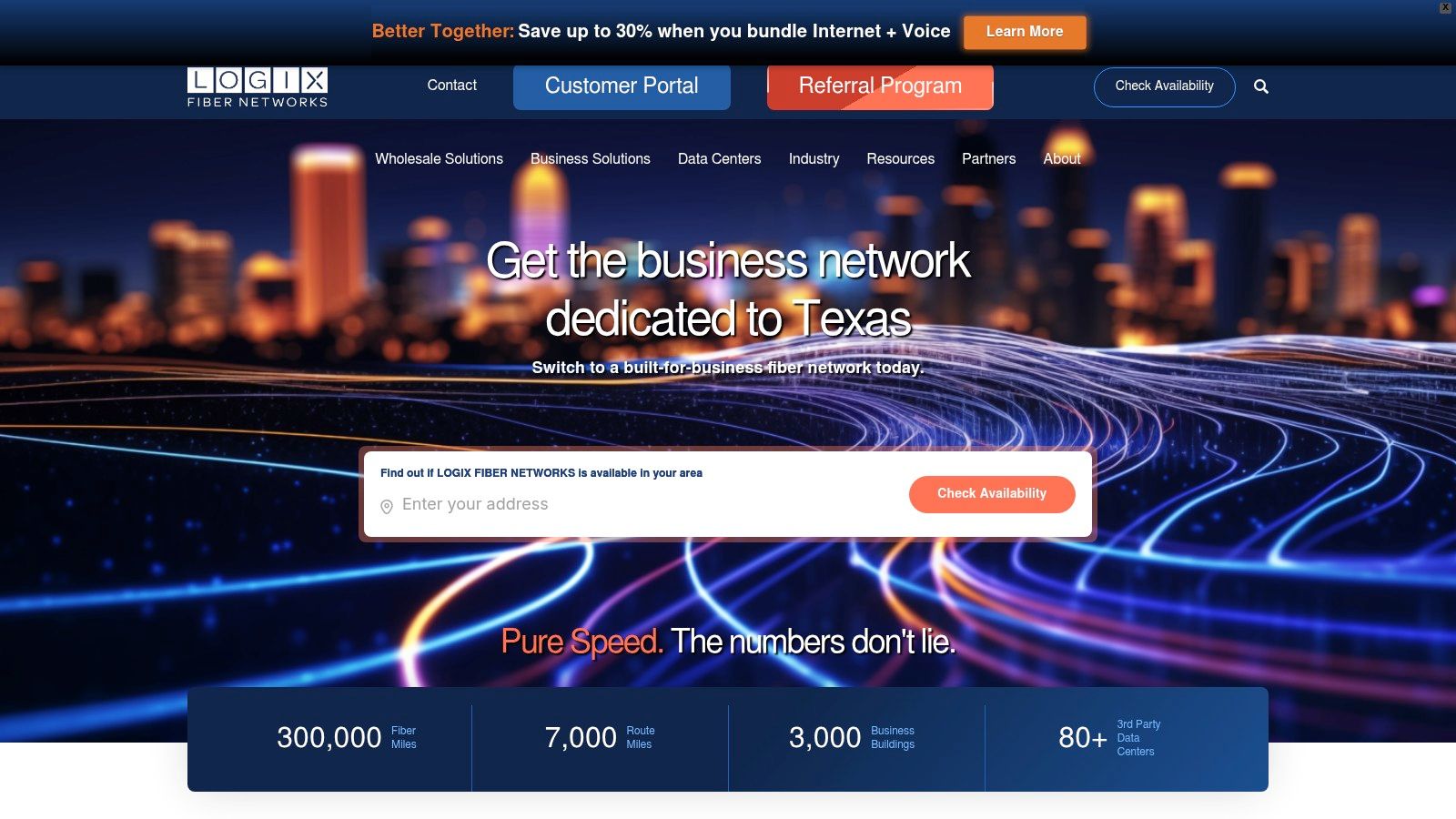
Your office opens at 8:00, the phones are VoIP, the ERP lives in the cloud, and two remote sites depend on the main location staying online. In that situation, LOGIX enters the conversation for a different reason than a residential-style ISP. The pitch is not low price or quick self-install. It is business-grade fiber, formal support paths, and services built for organizations that treat connectivity as core infrastructure.
That distinction matters in Houston. Businesses shopping at this level are usually comparing dedicated internet, Ethernet, voice, private networking, and carrier support terms. The monthly cost is higher, and the sales and install process usually takes longer. The trade-off is more control over performance, escalation, and growth planning.
Why LOGIX stands out for business buyers
LOGIX fits best where internet service is tied directly to revenue, client service, or internal productivity. A small office with light traffic may not need that level of service. A law firm with hosted phones, a medical practice pushing large files, or a company tying several offices together often does.
Value is operational discipline. Dedicated fiber changes how you plan outages, bandwidth, failover, and vendor accountability. You are not just buying access to the internet. You are buying a contract structure, support response model, and network design that can support branch offices, hosted voice, and private connectivity without forcing IT to patch around consumer-grade limits.
I usually tell business managers to look past the speed quote first. Ask how the circuit is delivered, who owns the handoff, what the escalation path looks like after hours, and what happens if you need a bandwidth change six months from now. Those details decide whether the service feels stable or turns into a recurring support problem.
The real trade-off
LOGIX makes more sense when downtime has a measurable cost.
That tends to fit:
- Mid-size offices with steady cloud usage: Teams running VoIP, SaaS platforms, backups, video meetings, and shared files all day.
- Multi-site businesses: Companies that need more than a single internet connection at one address.
- Operations that need accountable support: Legal, healthcare, logistics, manufacturing, and finance teams that cannot afford vague outage handling.
The buying process also requires better coordination than many managers expect. If a new build is involved, delays often come from building access, landlord approval, conduit work, power placement, or confusion over demarc location. Carrier technology is usually the easy part. Site readiness, documentation, and communication are where projects slip.
A LOGIX upgrade is also a good time to clean up the old environment. Retired firewalls, desk phones, switches, rack hardware, UPS units, and cabling tend to sit in storage long after the cutover. Handling that equipment responsibly keeps the telecom refresh from becoming an IT waste problem, and it gives the project a sustainability benefit instead of just a faster circuit.
Direct provider site: LOGIX Fiber Networks
7. Ezee Fiber
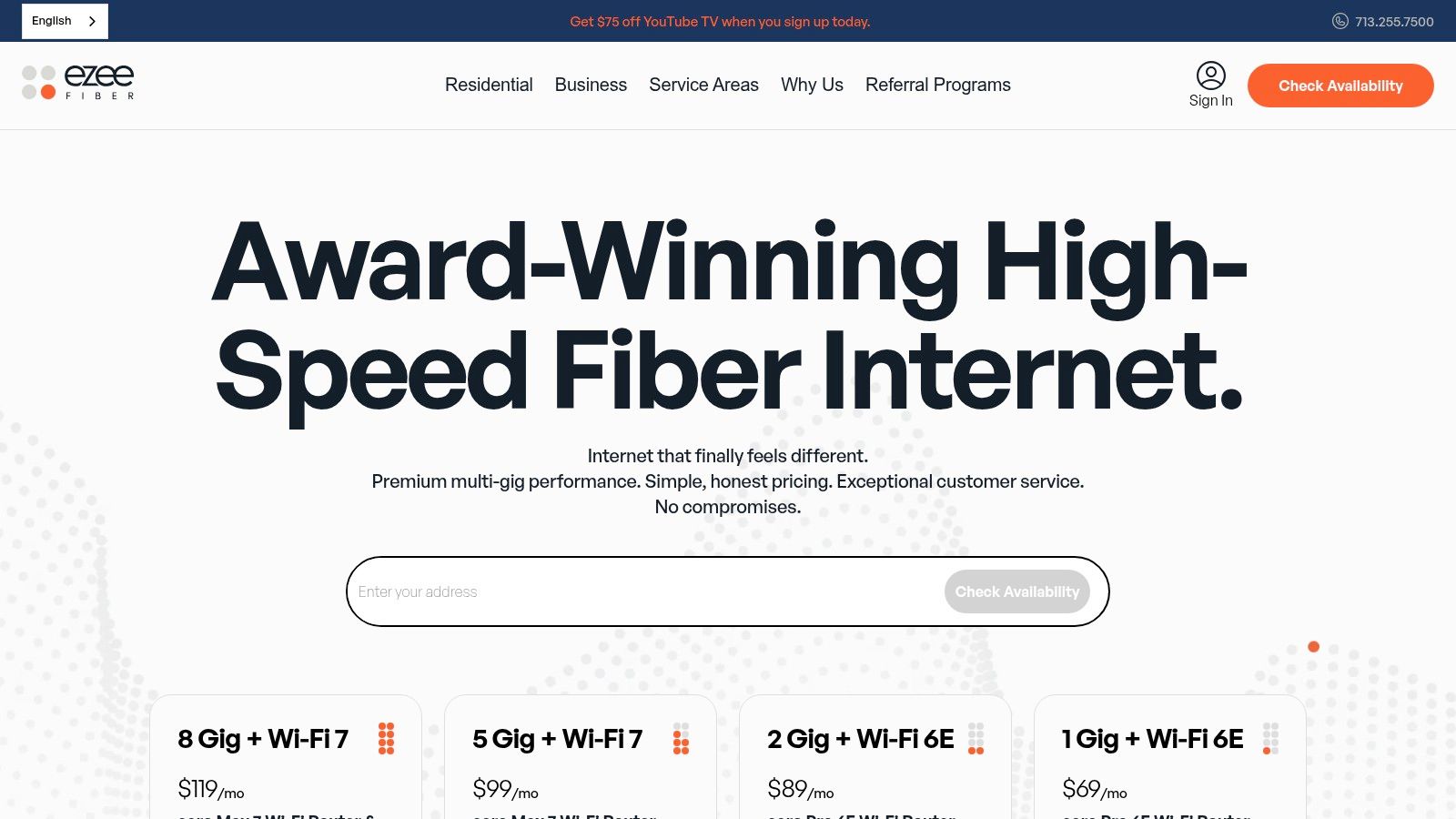
A common Houston upgrade scenario looks like this. A business in a newer suburban corridor wants to get off inconsistent cable service, but the manager cannot get a clear answer on whether fiber is available at the suite, how long install will take, or what support looks like after turn-up. That is where Ezee Fiber becomes worth a serious check.
Ezee Fiber stands out as a newer Houston-area fiber option with an expanding footprint. For businesses that want an alternative to legacy providers, the appeal is straightforward. If your address qualifies, you may get a cleaner fiber connection and a simpler buying conversation than you would with a larger incumbent. The trade-off is coverage certainty. In some business pockets outside central Houston, public availability details and side-by-side commercial performance comparisons are still limited, which makes address validation and install scoping more important up front. The broader connectivity gap in parts of the region also shows up in this digital divide discussion tied to Harris County connectivity efforts.
Ezee Fiber can make sense for small offices, professional firms, hybrid teams, and creative or media-heavy users that care about latency and consistent upload performance. It is also a practical option for businesses moving into recently developed properties where newer fiber builds may be available before the market has caught up with clear documentation.
The buying risk is less about the fiber itself and more about execution. Confirm the serviceable address, building entry path, demarc location, installation timeline, and business support process before signing. For a manager handling a move, renovation, or provider change, those details usually determine whether the cutover stays on schedule.
There is another step that gets missed in telecom upgrades. Old equipment does not disappear when the new circuit goes live.
Retired routers, switches, desk phones, copper patching, UPS units, and rack hardware often sit in closets or get discarded without documentation. That creates two avoidable problems. One is operational clutter during a move or network cleanup. The other is responsible disposal, especially when devices may still hold configuration data or batteries that should not end up in general trash. A telecom refresh is a good point to plan decommissioning, asset tracking, and recycling at the same time as procurement.
That is part of what makes Ezee Fiber relevant in this guide. The provider decision is only one stage of the project. The full job includes service qualification, install coordination, cutover planning, old gear removal, and responsible recycling so the upgrade improves connectivity without creating an IT waste problem.
Direct provider site: Ezee Fiber
Houston Telecom Services, 7-Provider Comparison
| Provider | Implementation Complexity 🔄 | Resource Requirements ⚡ | Expected Outcomes 📊 | Ideal Use Cases ⭐ | Key Advantages / Tips 💡 |
|---|---|---|---|---|---|
| AT&T Fiber | Moderate, fiber install may be required; provider‑supplied equipment 🔄 | 100% fiber to home where available; router included; address‑dependent ⚡ | Symmetrical multi‑gig speeds, low latency, unlimited data 📊 | Homes & small businesses wanting top‑end, reliable bandwidth ⭐ | No annual contract; good bundles; verify address for availability 💡 |
| Xfinity (Comcast) | Low, self‑install or same‑day delivery common 🔄 | DOCSIS/coax last‑mile with fiber backbone; gateway/modem needed ⚡ | High downstream speeds, asymmetrical uploads; variable by promo 📊 | Wide‑availability residential customers and bundle seekers ⭐ | Very widespread and fast setup; check final pricing/fees and promos 💡 |
| Astound Broadband | Low–Moderate, many self‑install options, tech varies by block 🔄 | Mix of cable and fiber on select blocks; eero on Gig+ plans ⚡ | Competitive Gig pricing and price‑for‑life offers on eligible plans 📊 | Cost‑conscious gig users seeking long‑term pricing ⭐ | Good long‑term value; some offers require autopay/new‑customer terms 💡 |
| T‑Mobile 5G Home Internet | Very low, simple self‑install gateway 🔄 | Fixed‑wireless over 5G; signal strength and location critical ⚡ | Variable speeds based on local signal; unlimited data; portable 📊 | Renters, quick setups, fallback where wired not available ⭐ | Easy setup and bundles with mobile plans; consider a signal booster for weak areas 💡 |
| Verizon 5G Home Internet | Very low, self‑install; coverage address‑specific 🔄 | 5G Ultra‑Wideband where available; gateway included ⚡ | Good performance in UWB areas; speeds/latency vary with signal 📊 | Renters and locations awaiting wired installs; bundle discounts ⭐ | Price‑lock options available; confirm coverage and expected upload performance 💡 |
| LOGIX Fiber Networks | High, enterprise installs, SLA setup and provisioning 🔄 | Dedicated symmetrical fiber, DIA, Ethernet, Texas NOC; quote‑based ⚡ | Business‑grade reliability, guaranteed bandwidth and SLAs 📊 | Offices and enterprises needing guaranteed performance and local support ⭐ | Scalable enterprise services; higher cost and possible longer lead times, plan ahead 💡 |
| Ezee Fiber | Moderate, fiber install where on‑net; provider equipment included 🔄 | Symmetrical multi‑gig tiers; eero Wi‑Fi; growing coverage via Tachus ⚡ | Low latency, high throughput for creators/gamers; symmetrical speeds 📊 | High‑throughput homes, creators, gamers, smart homes ⭐ | Local focus and simple pricing themes; check street‑level availability and plan features 💡 |
Making the Final Decision for Your Business
A Houston business signs a new internet contract, gets the circuit installed on time, and still ends up with a rough cutover. Phones drop for half a day. The firewall was never sized for the new bandwidth. Old switches, handsets, patch panels, and dead UPS units get shoved into a closet because nobody owned the cleanup plan. That is why the final provider choice should be tied to the full upgrade process, not just the monthly rate.
Start with failure points, not advertised speeds. Identify which systems create immediate business risk when connectivity degrades: VoIP, VPN access, card processing, security cameras, cloud backups, building systems, remote desktop, or large file transfers. A medical office, warehouse, law firm, and multi-tenant property can all sit in the same part of Houston and need very different service designs.
Provider competition helps only if the comparison is disciplined. Cable, fiber, fixed wireless, and dedicated business circuits solve different problems, even when the quoted download speeds look similar. The primary trade-off is usually between cost, installation speed, uptime expectations, and upload consistency.
For many small and midsize offices, the short list comes down to fiber or cable, with fixed wireless reserved for specific cases. Fiber usually wins where cloud applications, voice quality, and upload-heavy work matter every day. Cable can still be the right answer for a standard office suite that needs faster turn-up or lower upfront complexity. Fixed wireless earns its place as a temporary line, a backup connection, or a primary service only after address-level testing shows stable performance during business hours.
Larger sites need a stricter buying process.
Ask each provider the same operational questions: What is the install interval? Who handles inside wiring? What handoff will be delivered? How are outages escalated after hours? What credits apply under the SLA, and how fast does repair happen at this building type? Those answers matter more than a polished sales deck.
I usually recommend narrowing the field to two or three finalists and forcing an apples-to-apples quote. Same address. Same contract term. Same support expectations. Same assumptions around construction, equipment, and activation. If downtime carries real cost, spend budget on redundancy before you spend it on excess bandwidth. A primary and backup connection from different carriers or different access types often gives a better result than buying a single oversized circuit.
One part of this decision gets ignored in most telecom guides. Upgrades create decommissioning work. Retired routers, switches, VoIP phones, cabling, racks, batteries, and failed hardware do not disappear once the new service goes live. If that equipment contains storage, credentials, or tenant data, disposal is also a security issue. If it gets dumped with general waste, it becomes a facilities problem and a sustainability miss.
Treat the telecom refresh as a lifecycle project. Provision the new service. Test failover and voice quality. Confirm that firewall rules, Wi-Fi coverage, and carrier handoff match the design. Then remove the obsolete equipment, document what was retired, and route recyclable electronics through a responsible downstream process instead of sending everything to landfill. That approach leaves telecom rooms cleaner, reduces confusion for future troubleshooting, and supports internal reporting for operations, facilities, and ESG teams.
The strongest choice for your business is the provider and upgrade plan that fits how the site works, how much downtime the team can tolerate, and how responsibly you handle the equipment left behind after cutover.
If your telecom upgrade also means clearing out old routers, phones, racks, cabling, office junk, or warehouse e-waste, Fulton Junk Removal can help close the loop. Fulton handles the haul-away side for offices, warehouses, and property managers, and through Beyond Surplus, recyclable electronics and materials can be processed more responsibly. That makes service transitions, relocations, and cleanouts easier to manage without treating obsolete IT and telecom gear like ordinary trash.
